Vacancies: Creation, Requirements, and Question Selection
Vacancies
A vacancy describes a specific position within a project and contains requirements that the system uses to select questions for evaluating candidates.
A vacancy links together a project, a knowledge matrix, a specialization and language, the required candidate level, as well as a description, responsibilities, and requirements.
How To Open The Vacancies List
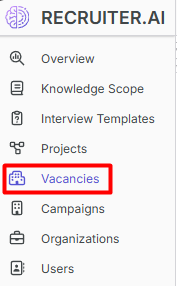
- In the sidebar, open the Vacancies section.
- The vacancy table for the organization will open.

Filtering is available by name, project, knowledge matrix, language, level, and dates.
How To Create A Vacancy
- Click Create.

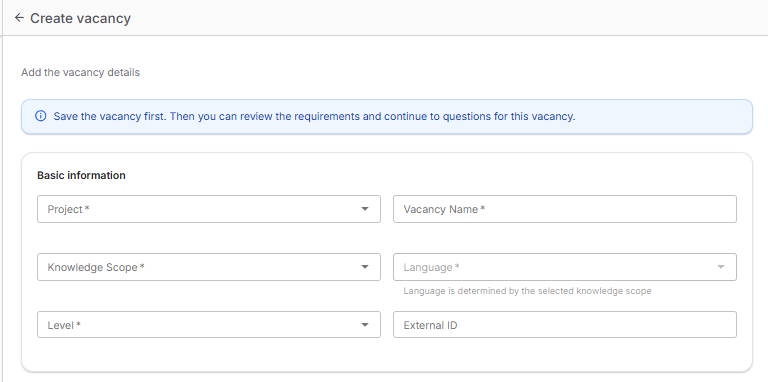
- Fill in the basic fields: project, name, knowledge matrix, level, and external ID.
- Fill in the vacancy content: description, responsibilities, requirements, and additional fields.
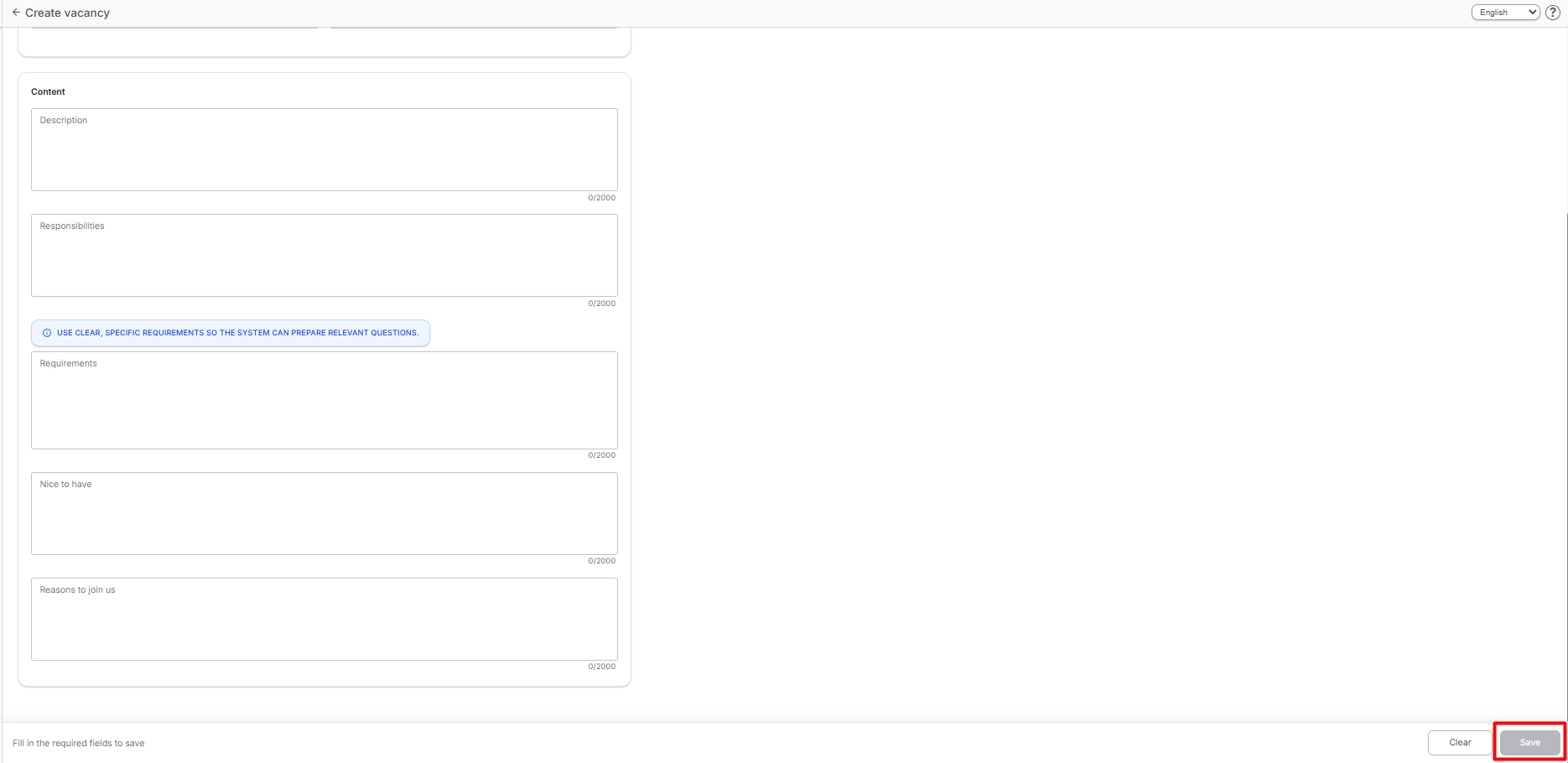
- Click Save.
Vacancy Page And Question Selection
After saving, the vacancy page will open.

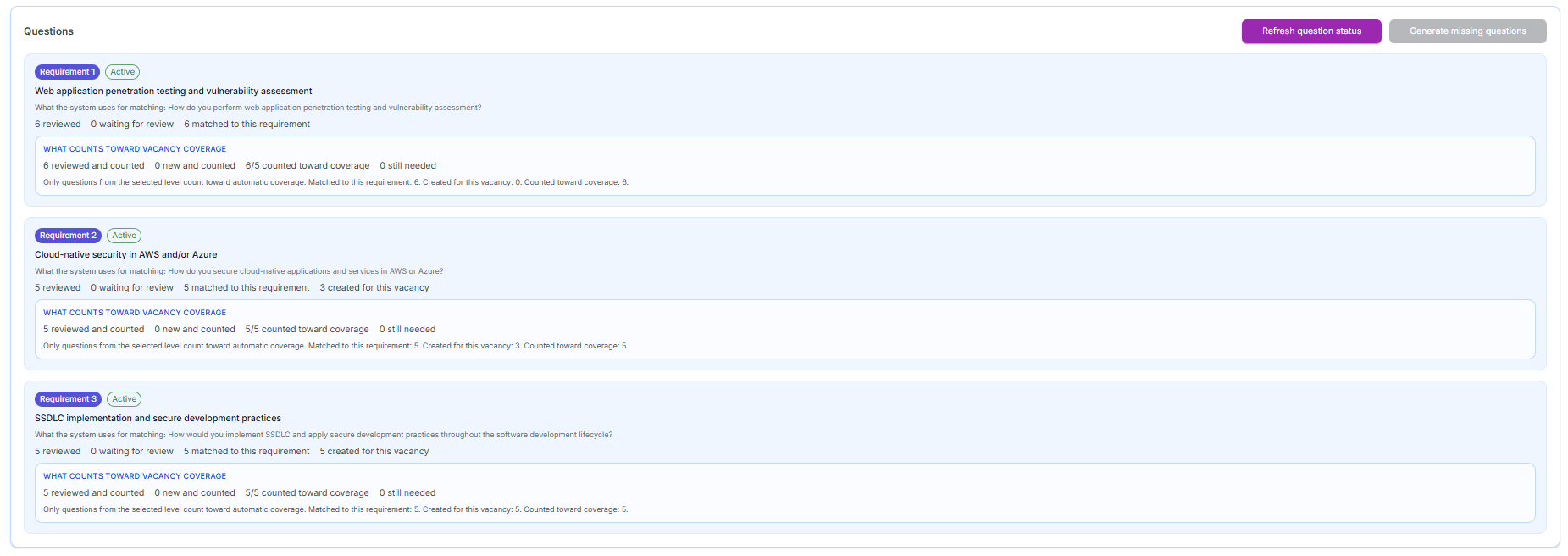
The system automatically processes the vacancy requirements and selects questions for candidate evaluation. The page displays the main coverage parameters:
- how many questions match the requirements;
- how many questions have been generated;
- how many are awaiting validation;
- how many questions still need to be generated.
To refresh the data, use the Update question status button. If there are not enough questions, use Generate missing questions.